Package B · clickable prototype
A clickable prototype of one user flow
One flow, drawn in full and linked so it can be clicked through like the finished product. Every screen in four states, every edge case we can find listed and drawn, then tested with your team.
Three to four weeks. Two test sessions and a recorded walk-through included.
Start a package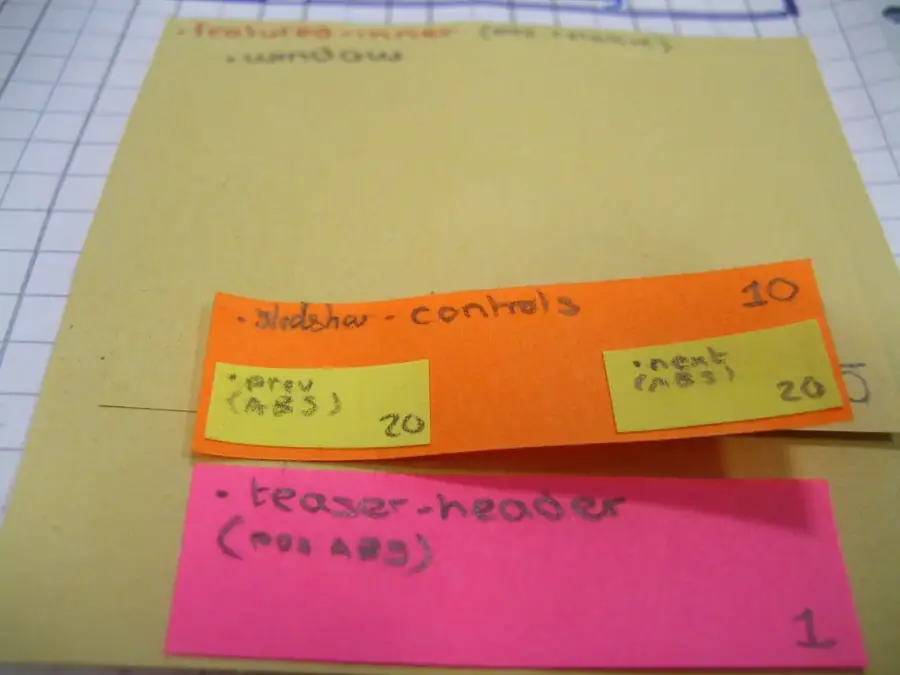
One flow, start to finish
A prototype from Felipe IxD covers one user flow. We define it the same way every time: a starting screen, a goal, and the screens in between. "Book a repeat appointment", "invite a teammate and set their role", "upload a file and share it with a client" are each one flow. "The whole dashboard" is not; that is several, and we will say so in the scope.
We start on paper and sticky notes, because rearranging paper is cheaper than rearranging finished screens. Once the order of the screens is settled with you, we draw them at full fidelity in your visual style, or in a neutral style if you do not have one yet, and link them so the flow can be clicked through on a laptop or a phone.
The prototype is a design file, not an application. It looks and moves like the product, but nothing is stored and nothing is sent anywhere. That is deliberate: it lets your team test the idea before anyone spends time building it.
Every screen, in every state
A flow drawn only in its happy path is half drawn. For each screen we draw the four states below, then link them so a tester can reach them by clicking — including a switch to force the error state, so nobody has to unplug a cable to see it.
Empty
The screen before there is anything to show. It says what will appear here and how to make it appear, rather than leaving a blank panel.
Loading
What a person sees while data arrives: skeleton rows of the right shape, so the layout does not jump when the real content lands.
Error
What went wrong, in words a person understands, what they can do now, and whether anything they typed has been kept.
Success
Proof that the action worked and where it left them, with the next sensible step in reach, not a dead end.
Edge cases we look for
Edge cases are the conditions nobody puts in the first sketch. We keep a written list for every prototype, agree it with you, and draw each one. Typical entries:
- A name, title or address far longer than the box designed for it, and one that is a single character long.
- A list with exactly one item, and a list with several hundred, including how the page behaves when scrolled to the end.
- A search that finds nothing, and a search that finds something only after a spelling is corrected.
- The connection dropping halfway through a multi-step form, and what happens to what was already typed.
- A person pressing back, or arriving in the middle of the flow from a link in an e-mail.
- Two people editing the same thing at once, where the product allows it.
- Text set larger by the person's own device settings, and the screen read aloud by a screen reader.
How it is tested with your team
Each prototype includes two test sessions, run by video call. In the first, around the middle of the job, two or three people from your team — ideally including someone who has never seen the flow — try to complete it while we watch and take notes. We do not explain the screens; we only give them the goal. Where they hesitate, misread or click the wrong thing, we note the screen and the state.
We revise the prototype from those notes, then run the second session near the end with different people where possible. If you can bring in people from outside your company who resemble your users, the sessions are more useful still; recruiting them stays with you, and we will write the short script they follow.
Both sessions are summarised in writing: what was tried, what went wrong, what we changed. The summary and the final prototype go into the recorded walk-through at hand-over, so the reasoning travels with the file.
What arrives at hand-over
- The linked prototype file, which your team owns.
- A screen-by-screen list of states and edge cases, each marked drawn, ruled or out of scope.
- Written notes from both test sessions.
- A recorded walk-through of the flow and the decisions behind it.
Timeline and price
Three to four weeks from the day the deposit arrives, with the exact date in the written scope. Two rounds of revisions are included after the second session.
| Item | What it covers | Price |
|---|---|---|
| Clickable prototype (one user flow) | One flow, four states per screen, listed edge cases, two test sessions, walk-through | €2,400 |